No fixed rounding on or off, but a corner radius you set yourself — exactly how iOS and Android use it for app icons and "squircle"-shaped avatars. Open your logo or image, set the corner radius, and export as PNG or ICO. Entirely local in your browser, no design software needed.
Included in FrameLoom Basis (€14.95 one-time). Free to try with a watermark, so you know exactly what you're buying.
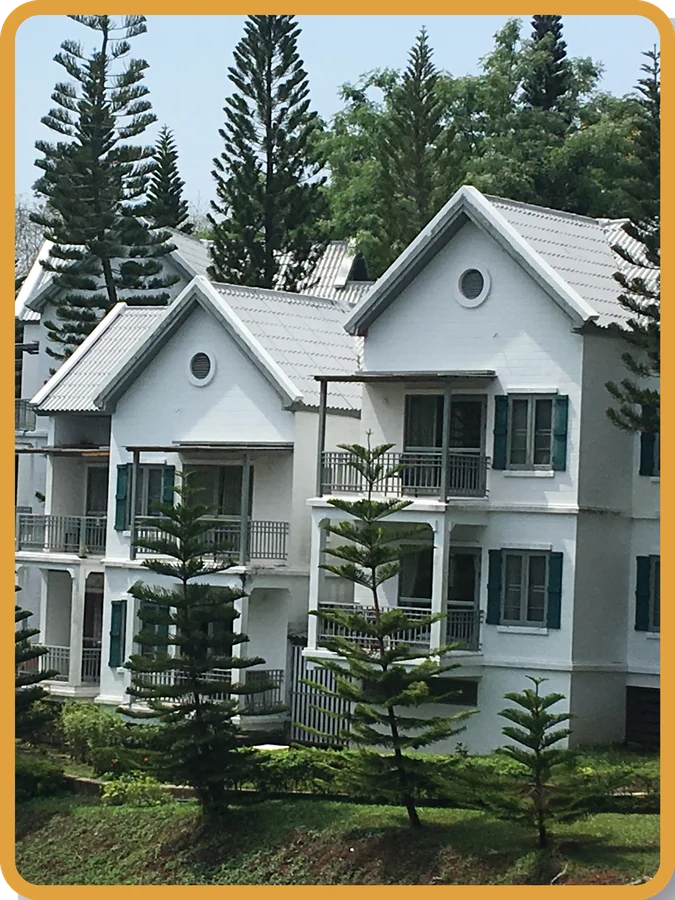
Choose a square source image where possible, straight from your own disk — nothing is uploaded, FrameLoom runs entirely locally.
Select the rounded-corners frame and set the corner radius to exactly what you need — from almost square to a full squircle.
Save your app icon as PNG for most uses, or directly as ICO for a favicon or desktop icon.
An app icon that exactly matches iOS or Android's corner radius; a squircle-shaped avatar for a profile; a consistent set of product icons; or a simple, offline favicon maker for a website. Because you set the radius yourself instead of picking from a few fixed options, you can match it precisely to the rest of your design.
Yes, in addition to PNG and JPG you can export directly as ICO — handy for a favicon or a desktop icon.
The corner radius is freely adjustable, not just a fixed rounding on or off — you set it yourself to exactly the shape you need, for example to match the style of iOS or Android app icons.
With FrameLoom Pro you can open an existing SVG file, place it inside a frame, and save it again as a real (non-rasterized) vector. In FrameLoom Basis you work with regular image files such as PNG or JPG.
Crop a photo to a circle · Crop a photo to a heart · See all frame shapes